
From your website to your first task.
Connect the site, give AI its context and choose a change you can review. The method follows your website’s actual setup.
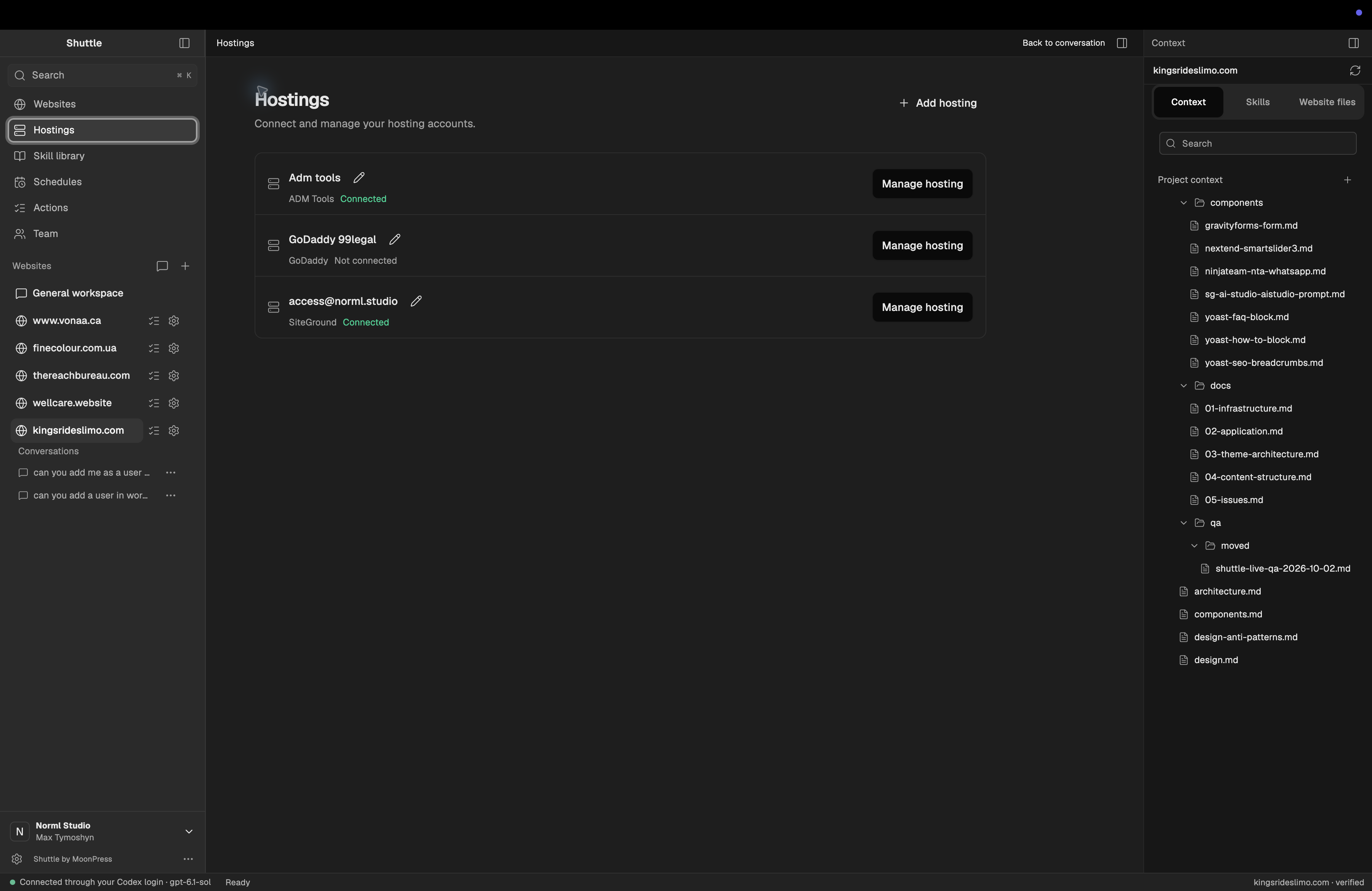
Connect the right site.
Authorize the hosting and WordPress access needed for the task. A saved address alone does not establish a working connection.
Learn how it is built.
Identify the theme, content fields, design rules and integrations before editing.
Review the actual result.
Open the page, check the links and test the affected behavior on desktop and mobile.
Release through your site’s workflow.
Use staging when available. Keep recovery in place and verify the live result after release.
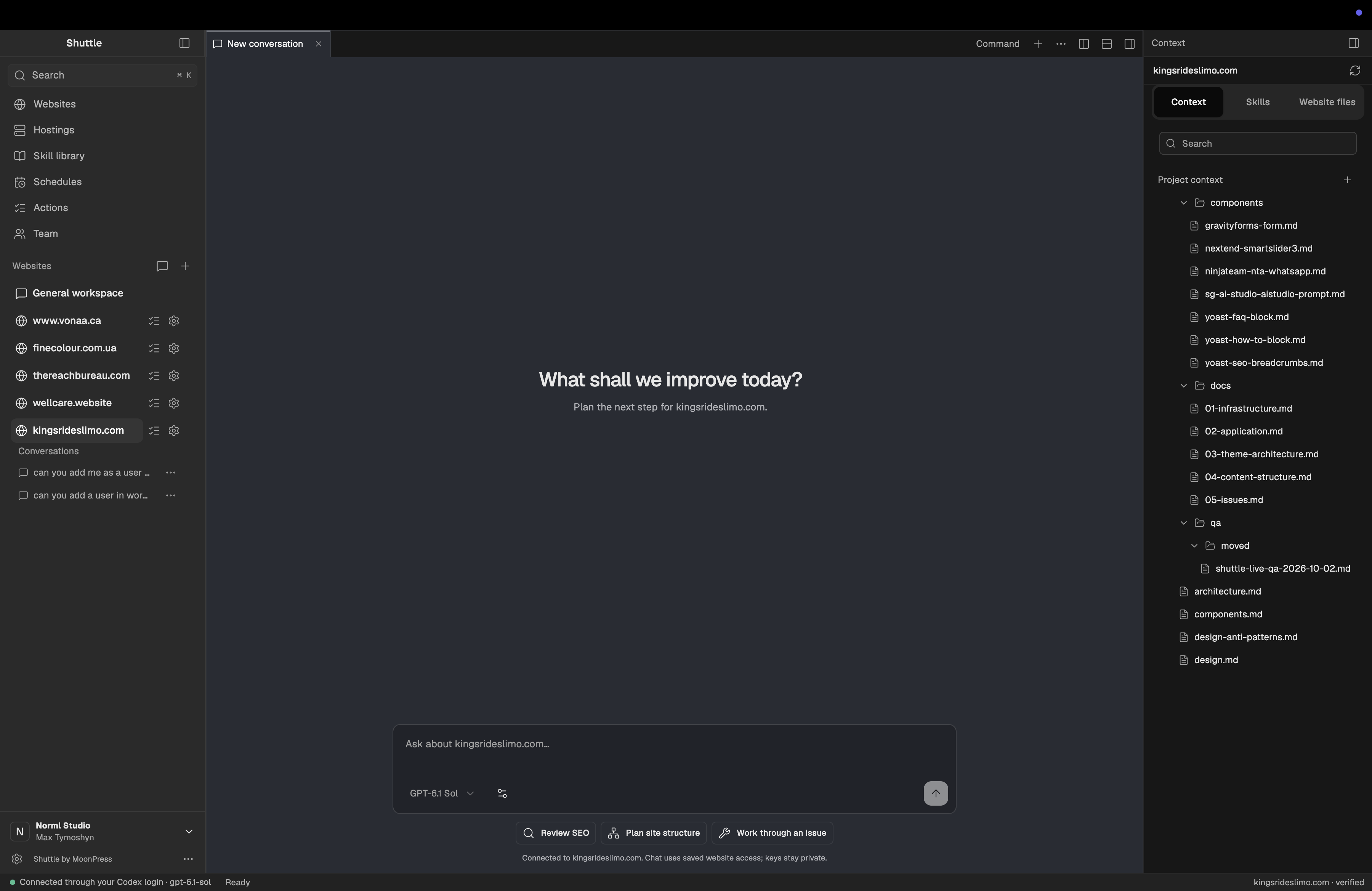
Begin with one clear request.
Name the page, provide approved content and say what should change. Keep the first task small enough to inspect.
Choose a task your setup supports.
Shuttle’s supported operations depend on the website and connection. Check compatibility before starting.