
Download Shuttle for Mac.
Your AI workspace for the WordPress site you already have. Download the app, then sign in with your paid account.
For Mac with Apple silicon. Windows is coming later.
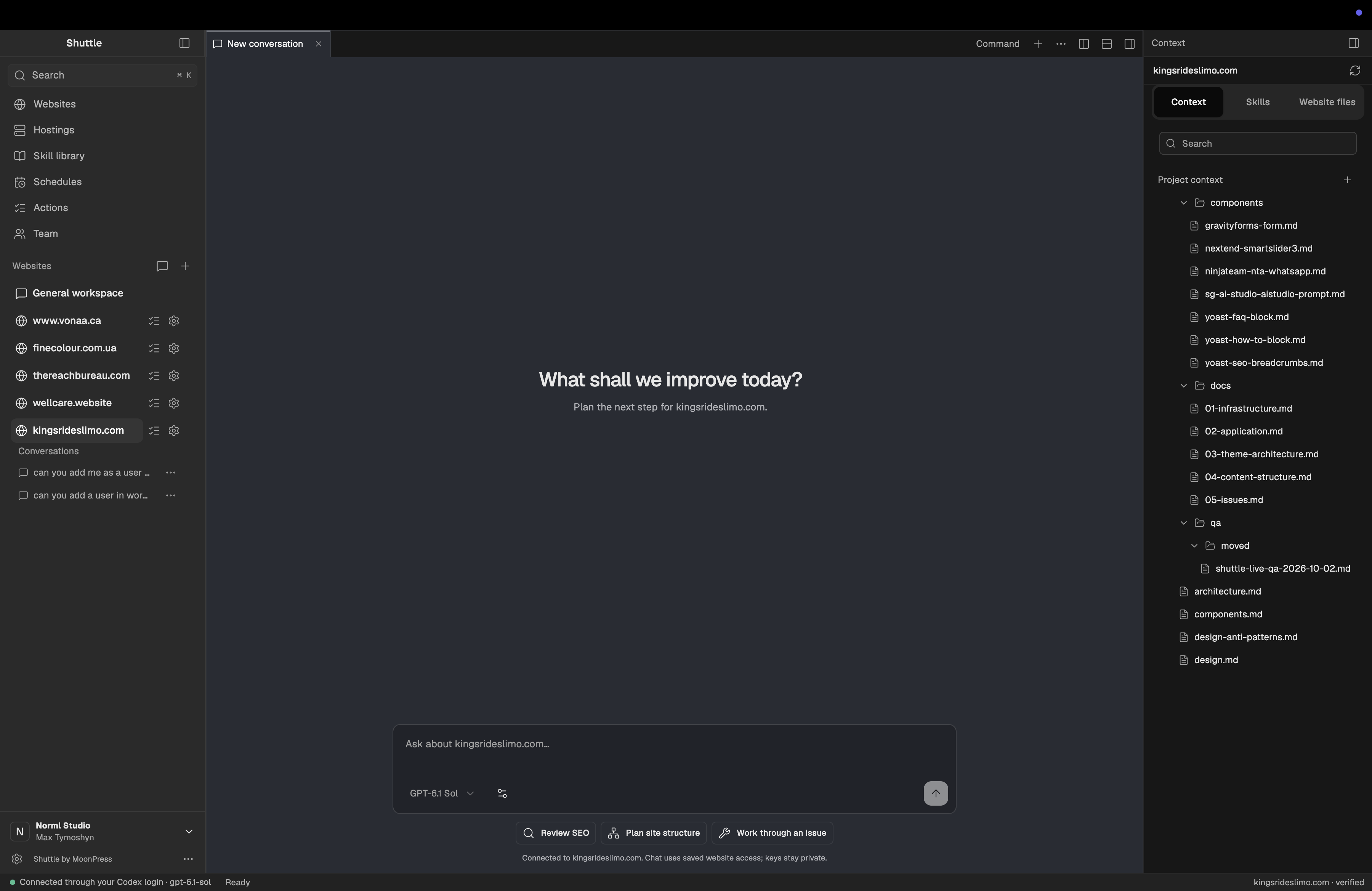
Install on your Mac.
Open the downloaded .dmg file and drag Shuttle into Applications.
The current Mac build is not Developer ID signed. If macOS blocks the first launch, open System Settings → Privacy & Security and choose Open Anyway for Shuttle.
An account requires a subscription.
Choose a subscription on the pricing page, then create and verify your sign-in identity before checkout. Your paid workspace becomes available after payment. There is no free plan or trial.
Subscriptions are open. Existing customers and invited team members can sign in with their current accounts.
14-day money-back guarantee.
Your first payment is covered by a 14-day money-back guarantee. Renewal payments are not covered.
Bring your own supported AI account.
Use your own supported Claude Code or Codex account. Your AI provider’s subscription and usage limits remain separate from Shuttle.
Hosting and paid plugins are also billed separately.