
Take your approved message to the website.
Work from the content you already have and the design your team has chosen. Prepare a page you can review.
Use the right content fields.
Keep posts, products and service-page content manageable in WordPress.
Review it as a visitor.
Read the copy, check images and links, and inspect desktop and mobile layouts.
Learning the workflow at Coxit.
Julia learned to prompt around Coxit’s design system with our earlier WordPress Fuel approach. Expert support remained part of the work.
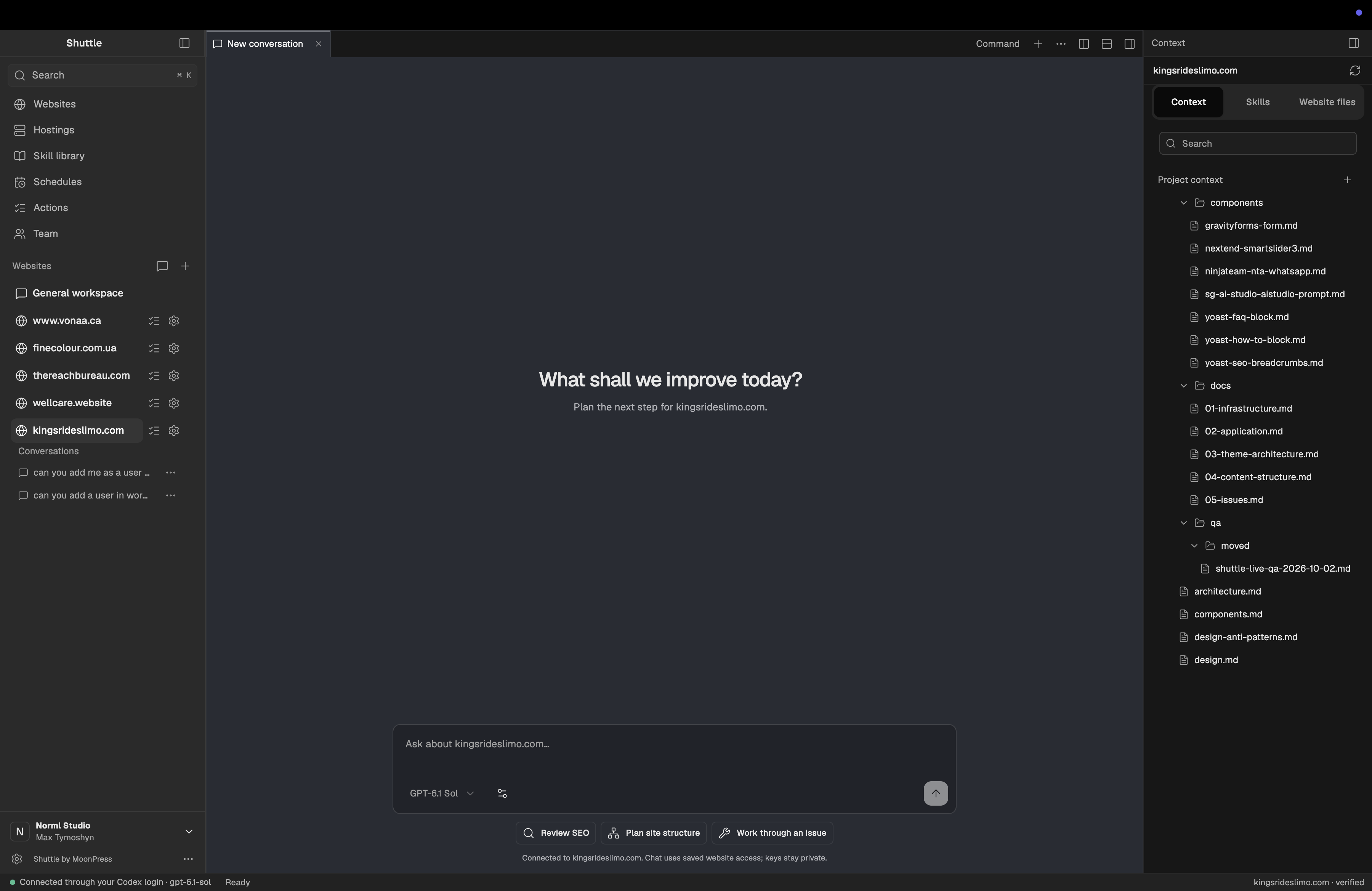
Build on your existing design.
Give AI the approved message, reusable sections and design rules. Review the page against those references.
Start with one content update.
Provide the final copy and request a draft or preview. Check compatibility for current Shuttle support.