
Start with your actual website setup.
Shuttle works with supported connections and your own AI account. Your hosting, theme and content tools determine the right workflow.
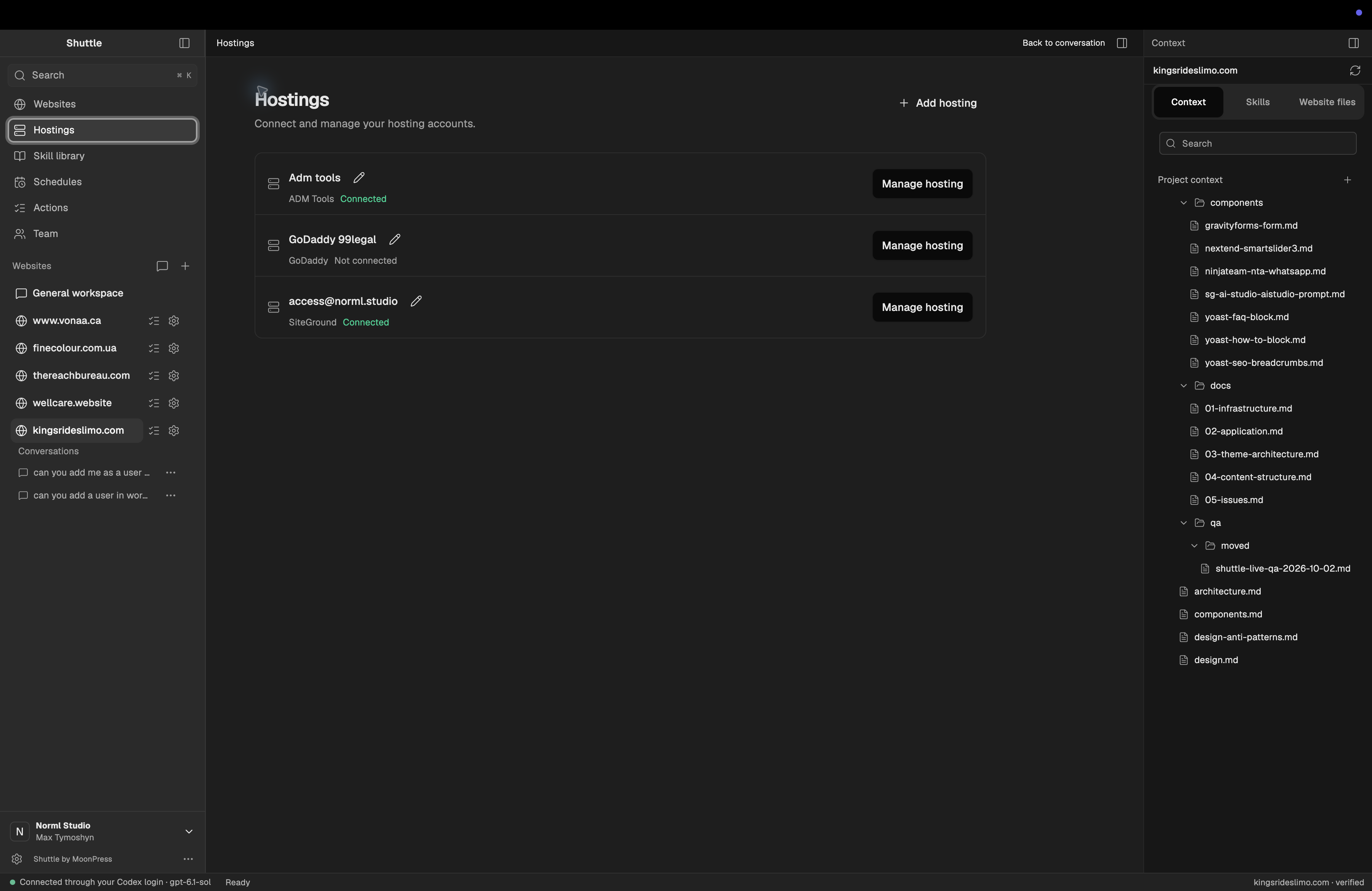
Use your own supported AI account.
Shuttle’s documented provider routes are Claude Code and Codex. You sign in with your own supported account; its provider manages access and usage.
A Shuttle subscription does not include an AI allowance. Check your provider’s current plan requirements and limits when setting up access.
Verify the connection to your website.
The relevant hosting route must authorize access to the exact WordPress site you intend to manage. A saved website address alone does not establish a working connection.
Support is specific to the provider and connection method. Check the current qualification for your route rather than assuming every account on a provider works the same way.
Understand where the change belongs.
A page may be built from theme templates, WordPress content fields, a builder or a combination. Find the source of the content before editing it.
For custom code work, the project needs the relevant theme and custom files. For content operations, it needs appropriate WordPress access. Investigate inherited structures instead of assuming they support the same workflow.
Bring technical help in when it is needed.
The DIY route may involve hosting access, a device key, a local code project, version history and a preview environment. If those are unfamiliar, ask your developer to help establish the setup.
Once the site context and workflow are prepared, begin with a small task you can review.
Available for Mac with Apple silicon.
Windows is planned. Downloading does not create an account; a paid subscription is required. See the download page for current access information.